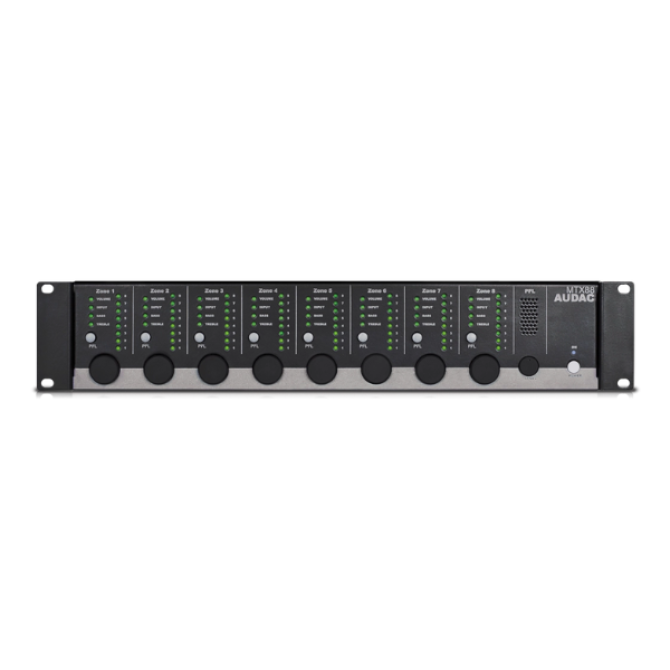
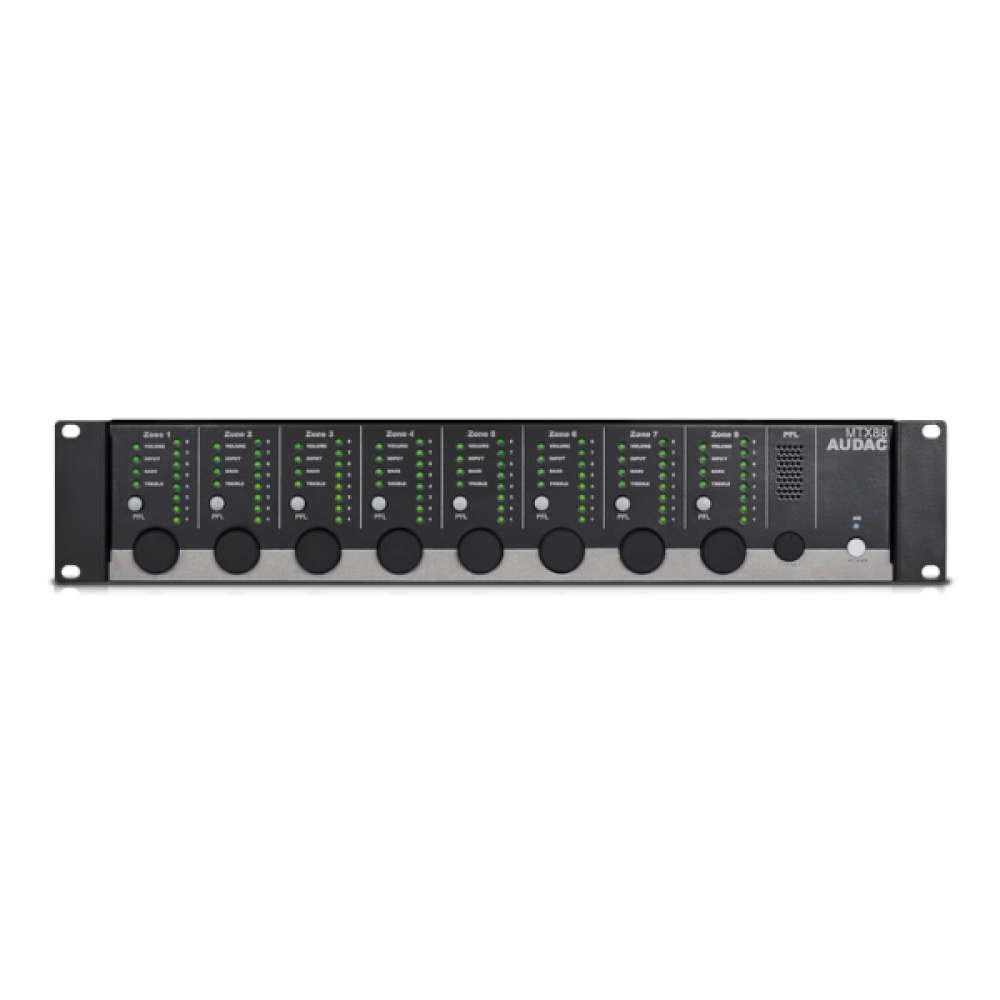
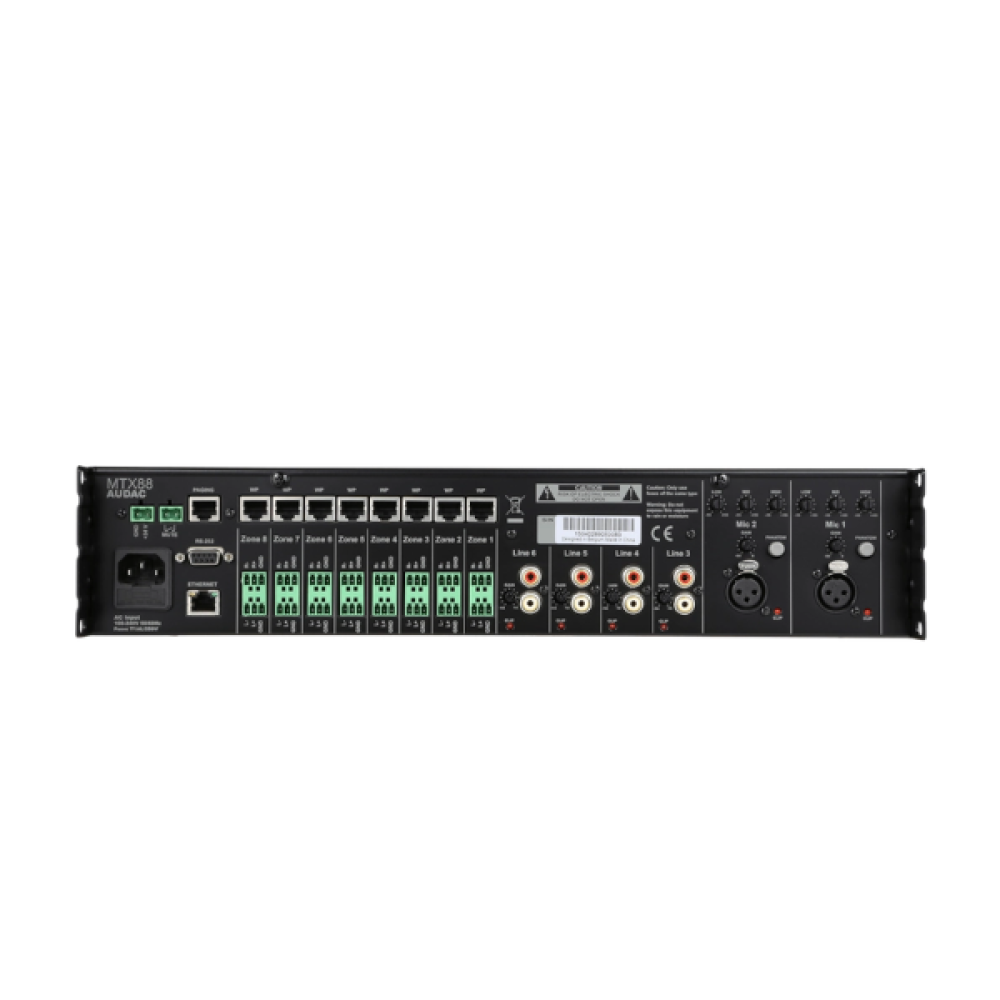
The MTX88 is the eight-zone version of the MTX series, containing two balanced microphone inputs with priority function, phantom power possibility and three-band tone control. Four stereo line-level inputs are provided where to any line-level music source such as a CD-player, Tuner or MP3 player, … can be connected. The other two inputs of the matrix are the additional wall panel inputs for both line and microphone signals. The MTX can be controlled by means of additional control panels, its fully functional web based interface or the iPhone/ iPad Remote app. The RS232 port makes the MTX compatible with any home & industrial automation systems supporting RS232. The front panel of the MTX shows a rotary button per zone with indication LEDs for accessing controls and settings. A built-in PFL loudspeaker makes it possible to pre-listen every channel without the need for a headphone. The balanced line-level zone output connections are performed using 3-pin Euro-terminal block connectors, each of them accompanied with an RJ45 connector for connecting additional wall panels for that zone. A 24 volts power connection makes it possible to keep the MTX running on emergency power, even if the main power is shut down.
| Inputs | Balanced Microphone | Type | 2 x Balanced Microphone | |
| Connector | XLR | |||
| Sensitivity | 0 dBV ~ -50 dBV | |||
| Phantom Power | 15 V DC | |||
| Signal / Noise | > 80 dB | |||
| THD+N (@ 1 kHz) | < 0.05 dB | |||
| EQ | High | ± 15 dB (12.5 kHz) | ||
| Mid | ± 15 dB (2.5 kHz) | |||
| Low | ± 15 dB (80 Hz) | |||
| Unbalanced Stereo | Type | 4 x Stereo Unbalanced Line | ||
| Connector | RCA | |||
| Sensitivity | -14 dB ~ +9 dB | |||
| Signal / Noise | > 100 dB | |||
| THD+N (@ 1 kHz) | < 0.01 dB | |||
| Wall Panel | Type | 8 x Wall panel input | ||
| Connector | RJ45 | |||
| Other | Type | 1 x Priority mute contacts | ||
| Outputs | Type | 8 x Stereo Balanced Line | ||
| Connector | 3-pin Euro Terminal Block (Pitch – 3.81 mm) | |||
| Impedance | 51 Ω | |||
| Level | -70 dB ~ 0 dB | |||
| EQ | Treble | ± 14 dB (2.5~20 kHz) | ||
| Bass | ± 14 dB (100 Hz) | |||
| Frequency | Response (± 3 dB) | 20 Hz – 20 kHz | ||
| Crosstalk (@ 1 kHz) | -85 dB | |||
| Control | Front panel | |||
| RS-232 | ||||
| TCP/IP (RJ45) | ||||
| Wall panel (RS-485) | ||||
| Audac Touch™ | ||||
| Power | Consumption | 12 W | ||
| Supply | 100 ~ 240 V AC / 50 ~ 60 Hz | |||
| 24 V DC (emergency Power) | ||||
| Socket Connections (AUDAC Touch™) | 5 sockets | |||
| Dimensions | 482 x 88 x 335 mm (W x H x D) | |
| Weight | 4.840 kg | |
| Unit height | 2 HE | |
| Accessories | Optional | WP2xx Universal wall panel |
|
Bars & Restaurants
|
|
Education
|
|
Hotels
|
|
Corporate
|
|
Residential
|
|
Houses of worship
|
|
Clubs
|
Answer
Any product that is updatable by the AUDAC system manager is automatically discovered and downloaded to your personal computer.
All other software versions can be found via audac.eu/software
Previous firmware versions can be found in the portal on the support tab.
Yes, it is always recommended to run the latest firmware to be compatible with AT2.
Answer
When the user password is lost, it can be changed by logging in with the administrator password. When the administrator password is lost, please contact your local distributor.
Answer
Please download the AUDAC system manger. This will scan your network and tell you the IP address of all AUDAC products within your network.
If your network is blocking global broadcasts, you can connect directly by using a cross cable. The system manager will still be able to inform you of the device IP.
Answer
AUDAC uses two methods to update their devices.
When unsure which method to use, please refer the product manual.
Answer
When connecting directly to the product,
When connecting to your product via network
When trying to connect with a personal media device.
Answer
This depends of the kind of wall panel you are using.
Please refer to the product manuals for the detail connection possibilities for each matrix.
Answer
Yes, the RS232 can be controlled by any device supporting RS232. Some examples are: a computer, home and industrial automation systems like AMX and Crestron. The command set for controlling the devices over RS232 is downloadable here.
Select at least 2 products
to compare